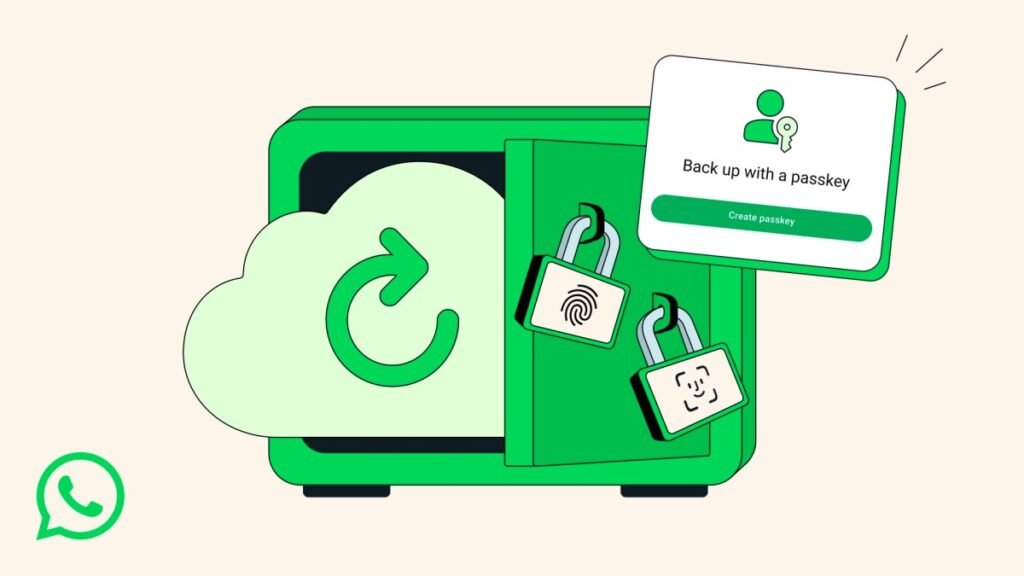
WhatsApp is introducing passkey support for end-to-end encrypted backups, allowing users to restore their chat history using biometric authentication—such as fingerprints or facial recognition—or their device’s screen lock code instead of complex passwords.
Moving Beyond Manual Encryption Keys
For years, WhatsApp lacked a dedicated encryption layer for chat backups. Meta addressed this gap in 2021 by enabling end-to-end encryption for backups, though it required users to manage either a custom password or a cumbersome 64-character encryption key.
Why Passkeys Are a Game Changer
The previous reliance on manual passwords and long keys created significant friction, as losing these credentials meant permanently losing access to backed-up data. Passkeys eliminate the need to memorize or store these strings of text. By utilizing the security already present on your smartphone, the process becomes significantly more intuitive while maintaining high-level security standards.
Rollout and Availability
WhatsApp, which surpassed 3 billion active users this past May, confirmed that this feature will be deployed globally over the coming weeks and months. Users are encouraged to monitor their app updates to see when the functionality becomes available on their specific device.
How to Enable Encrypted Backups
To check for the new feature or to set up your encrypted backups, navigate to Settings > Chats > Chat backup > End-to-end encrypted backup. From this menu, you can enable the protection and verify if the passkey option is currently active for your account.