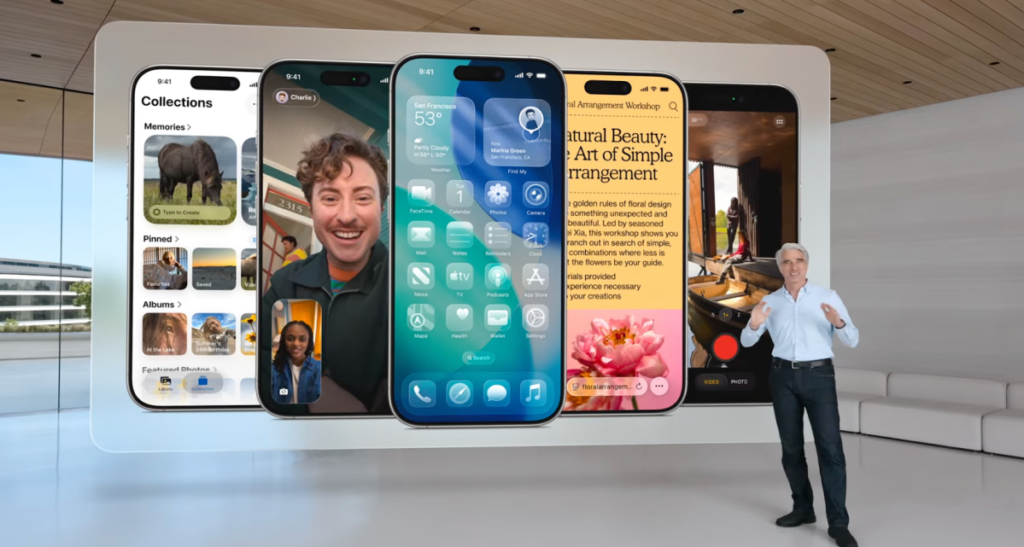
Apple is set to implement a sweeping design overhaul in iOS 18, targeting a complete refresh of the Lock Screen, Home Screen, and core native applications to enhance user interaction and interface fluidity.
Safari and FaceTime Get Visual Upgrades
The Safari browser is receiving a major layout shift, allowing web pages to flow seamlessly from edge to edge across the entire display. Meanwhile, FaceTime is introducing a dynamic landing page that highlights personalized contact posters for frequent callers. This interface now features video messages from contacts that trigger autoplay functionality as users scroll through their lists.
Streamlining the Phone App Experience
The native Phone app is adopting a design philosophy centered on accessibility and speed. By merging the favorites and contacts tabs, Apple is prioritizing the people users interact with most, ensuring that key contacts are always front and center rather than hidden behind secondary menus.
Enhanced Functionality for Apple CarPlay
These design improvements extend directly into the driving experience with significant updates to Apple CarPlay. Drivers can now utilize interactive widgets, reply to messages directly within the interface, and pin important conversations for quick access. These new widgets offer contextual utility—such as displaying real-time flight status updates—allowing drivers to monitor essential information without distraction while on the road.